

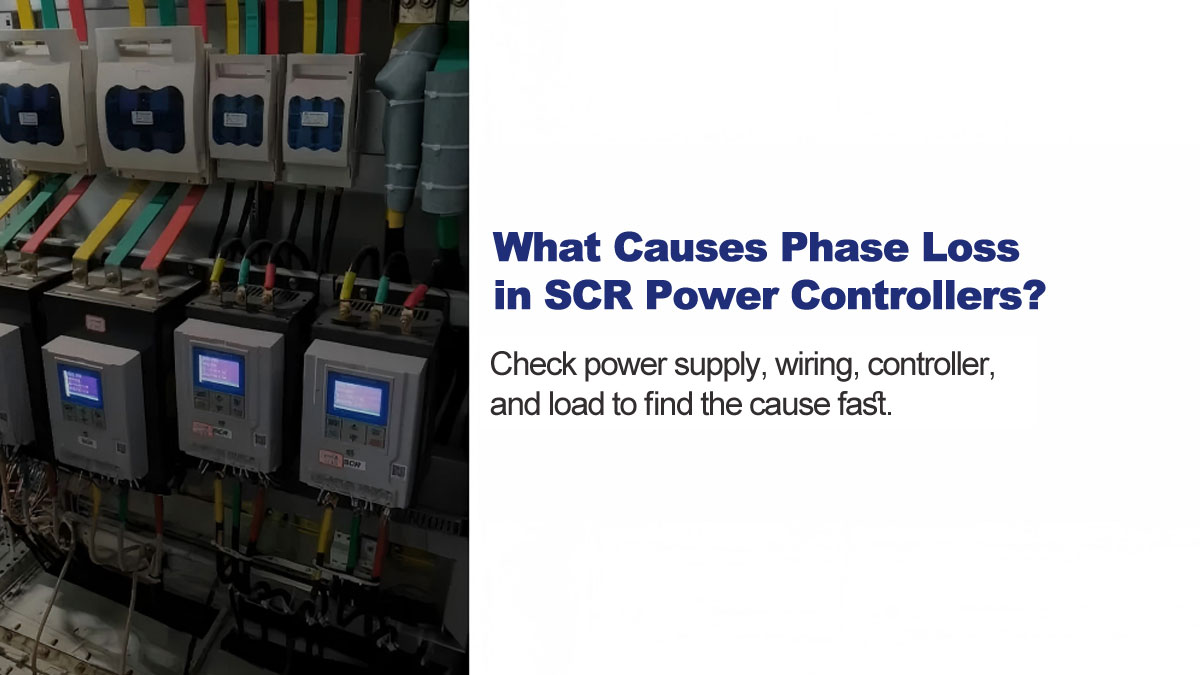
You power up the system. The controller shows no obvious damage, but one phase has no output and the equipment won't run normally. Phase loss can originate from several points in the system — and finding the right one quickly matters.
This guide covers the most common causes and how to diagnose them, from the supply side through to the load.
1. Power Supply Issues
The most common cause of phase loss is a problem upstream of the controller. If one phase is missing at the input, the controller cannot compensate for it regardless of its condition.
Common causes:
- Grid phase loss due to utility failure or transformer fault
- Tripped or damaged circuit breakers
- Burnt or worn contactor contacts
- Loose or damaged input cables
How to check: Set your multimeter to AC voltage. Measure across all three phase pairs at the controller input terminals: L1–L2, L2–L3, and L1–L3. All three readings should be within the expected line voltage range. If one reading is abnormal or reads zero, the fault is upstream of the controller.
2. Wiring and Connections
Loose connections are often overlooked but are a frequent cause of intermittent or permanent phase loss — especially in high-vibration environments or after long-term use.
How to check: With power off, visually inspect all input and output terminals for burn marks, discoloration, or looseness. Re-torque any suspect terminals to the specified torque value. Also check for damaged cable insulation or broken conductors.
3. Controller Internal Faults — SCR Failure
If the supply voltage is confirmed normal on all three phases, the fault may be inside the controller. In a three-phase SCR power controller, each phase is controlled by a thyristor (SCR). A failed SCR on one phase will block current flow on that phase.
General approach: Test each SCR for short-circuit failure (the most common failure mode) and for trigger circuit integrity.
For SoftStarterPro SCR Power Controllers:
Method 1 — Without opening the enclosure:
Set your multimeter to continuity (beep) mode. Place one probe on the input terminal and the other on the output terminal of the same phase. A beep or a reading of only a few ohms indicates the SCR has shorted and needs replacement.
Method 2 — With enclosure open (trigger resistance check):
Set your multimeter to the 600-ohm range. Each phase requires two measurements:
- Probe 1 on the phase input terminal, Probe 2 on the yellow trigger wire → normal reading: 10–45 ohms
- Probe 1 on the phase output terminal, Probe 2 on the white trigger wire → normal reading: 10–45 ohms
A reading outside the 10–45 ohm range — either too high or too low — indicates a fault on that phase. Repeat for all three phases.
4. Driver Board Faults
If all three input phases are confirmed normal, wiring is secure, and SCR resistance values are within range, the fault may lie in the driver board.
General approach: The driver board generates the trigger signals for each SCR. A fault here means one or more SCRs receive no trigger signal, resulting in no output on that phase even though the SCR itself is intact.
For SoftStarterPro SCR Power Controllers:
The controller panel displays fault information directly. After ruling out supply, wiring, and SCR issues, check the panel display for an active fault code. A fault shown on the panel after all other causes have been eliminated points to a driver board problem.
5. Load-Side Problems
In some cases, the controller is functioning normally but the load creates a condition that resembles phase loss. A short circuit on one phase triggers overcurrent protection, cutting output on that phase. An open circuit on the load side means no current flows even if the controller is outputting normally.
How to check: Power off and disconnect the load. Use your multimeter to measure resistance between each pair of load terminals. Readings should be consistent across all three phases. A significantly higher reading on one phase indicates an open circuit. A near-zero reading may indicate a short.
6. Troubleshooting Sequence
Work through the system in this order to locate the fault efficiently:
- Measure input voltage at controller terminals — confirm all three phases present
- Inspect all wiring connections — look for loose terminals or damaged cables
- Test SCR continuity — check for short-circuit failure without opening enclosure
- Check trigger resistance — open enclosure and measure trigger wire resistance per phase
- Read panel fault display — check for driver board fault code
- Test load resistance — disconnect load and measure each phase
Conclusion
Phase loss almost always traces back to one of four areas: the supply, the wiring, the controller's SCR or driver board, or the load. Working through the system in sequence — rather than replacing components at random — saves time and avoids unnecessary costs.
Browse our SCR Power Controllers or contact us for technical support.