Introduction
When an SCR power controller works abnormally, it can lead to unstable heating, production delays, or even system shutdown.
Before replacing the unit, a simple step-by-step check can often help identify the root cause quickly.
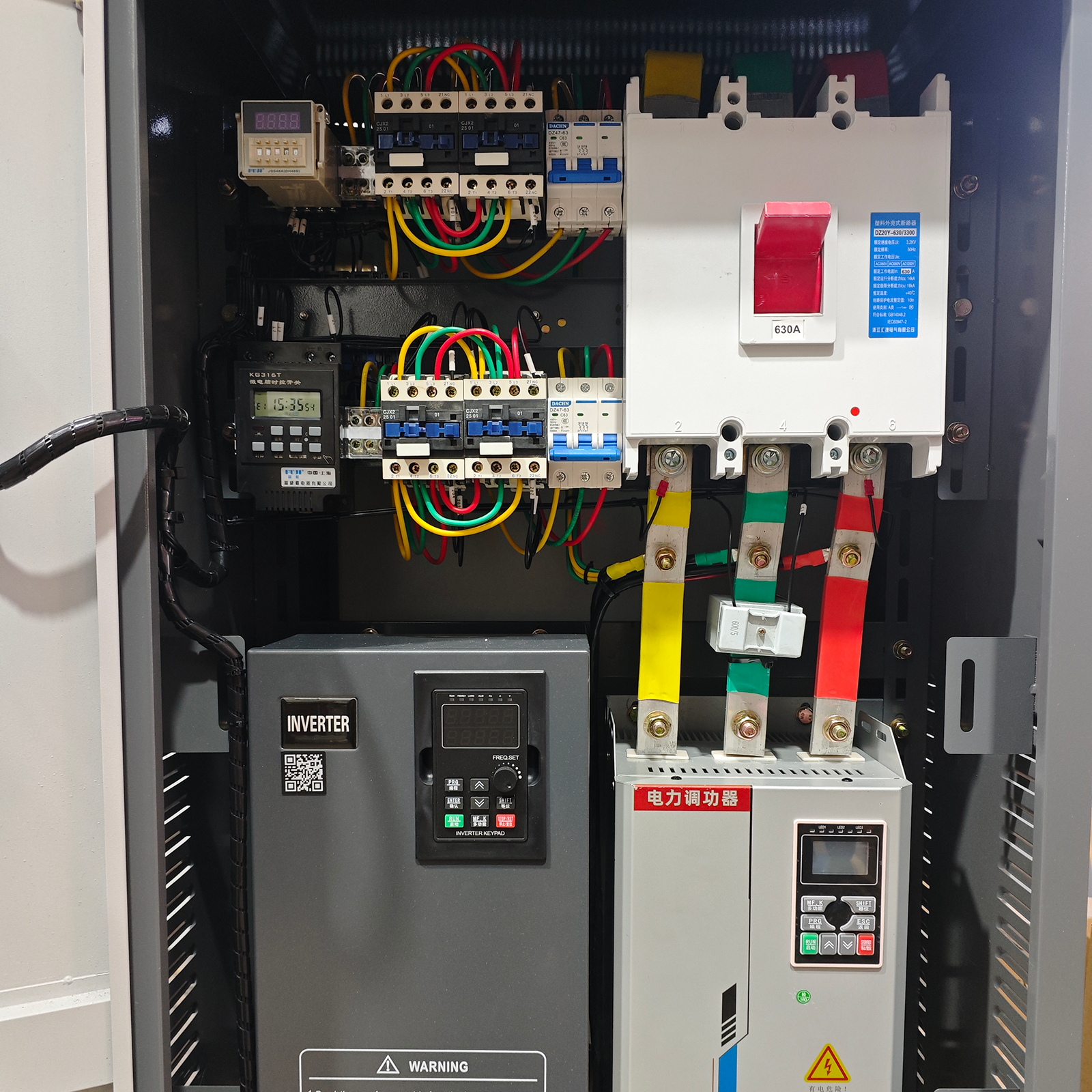
1. Check Power Supply & Wiring
Ensure the input voltage and frequency are within the rated range.
Inspect all wiring terminals and cables to confirm there are no loose or damaged connections.
📍 Loose wiring is one of the most common causes of controller failure.
2. Check Alarm Indicators
Observe whether there are any alarm lights or fault codes on the controller.
These indicators can provide direct clues about the issue.
📍 Always refer to the user manual for fault code meanings.
3. Measure Output Voltage & Current
Use a multimeter or clamp meter to measure output values.
Make sure the voltage and current match expected operating conditions.
📍 Abnormal output usually indicates load or control issues.
4. Check Load Condition
Ensure the connected load is working properly.
Check for:
- Short circuits
- Damaged heating elements
- Overload conditions
📍 An overloaded system can trigger protection or cause unstable output.
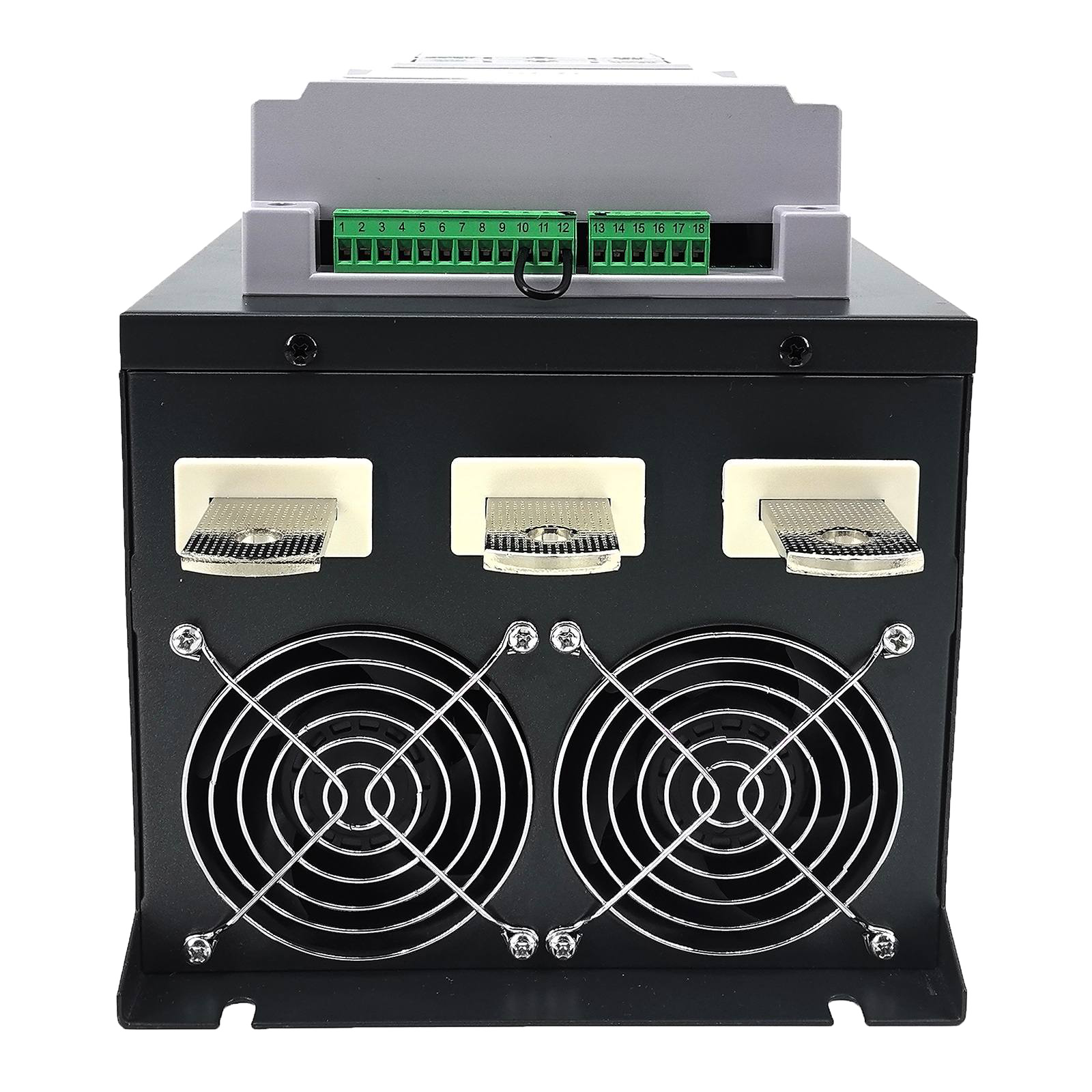
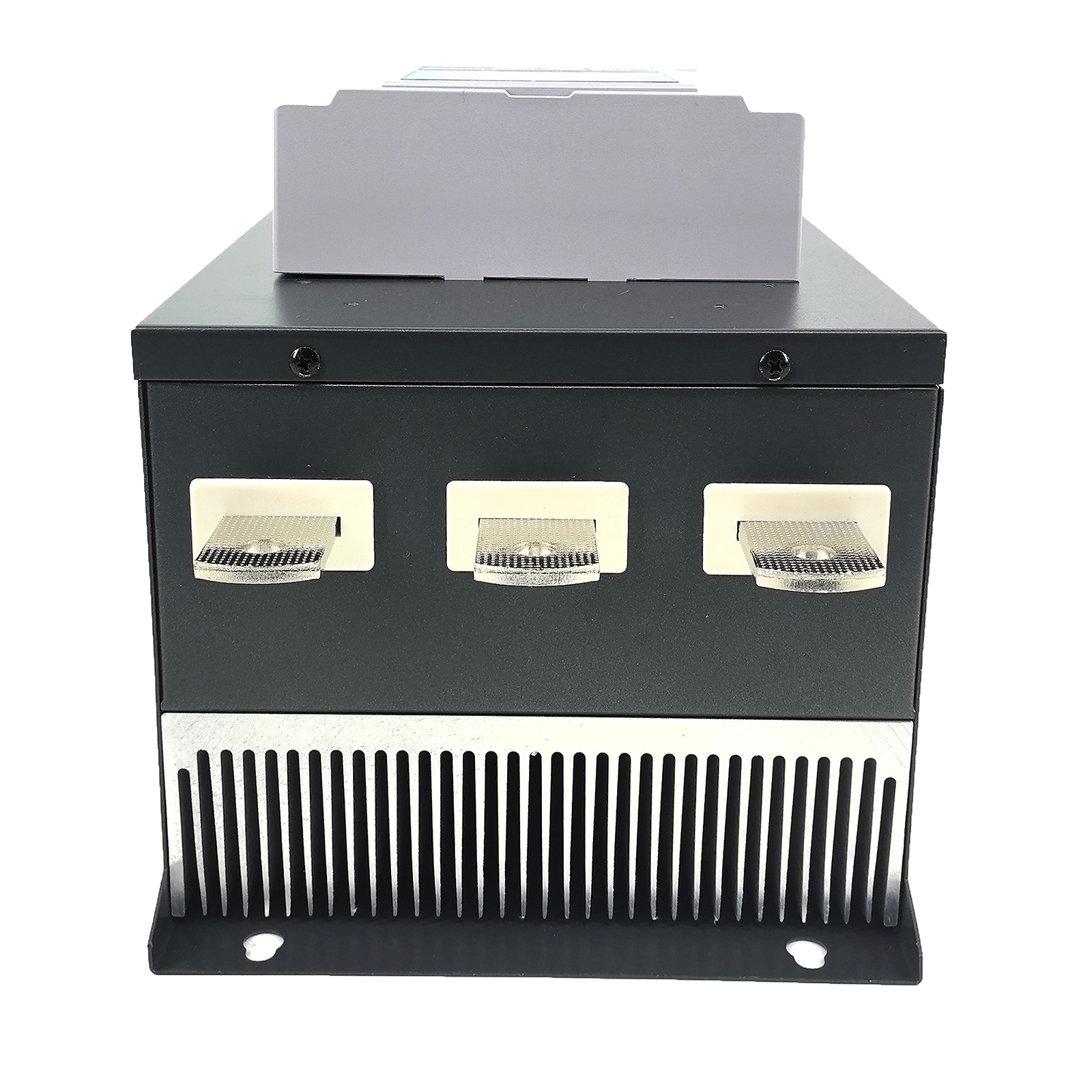
5. Check Temperature & Cooling System
Verify that the controller is not overheating.
Check if:
- Cooling fans are running properly
- Heat sinks are clean and unobstructed
📍 Overheating is a major cause of SCR failure.
 |
 |
6. Verify Parameter Settings
Check whether control parameters are set correctly, such as:
- Output mode (phase angle / zero-cross)
- Current limit
- Voltage settings
📍 Incorrect parameters may lead to unexpected behavior.
Conclusion
A structured troubleshooting process can help you quickly locate problems and reduce downtime.
If the issue persists after these checks, professional technical support is recommended.
👉 Need help diagnosing your SCR controller? Feel free to contact us.