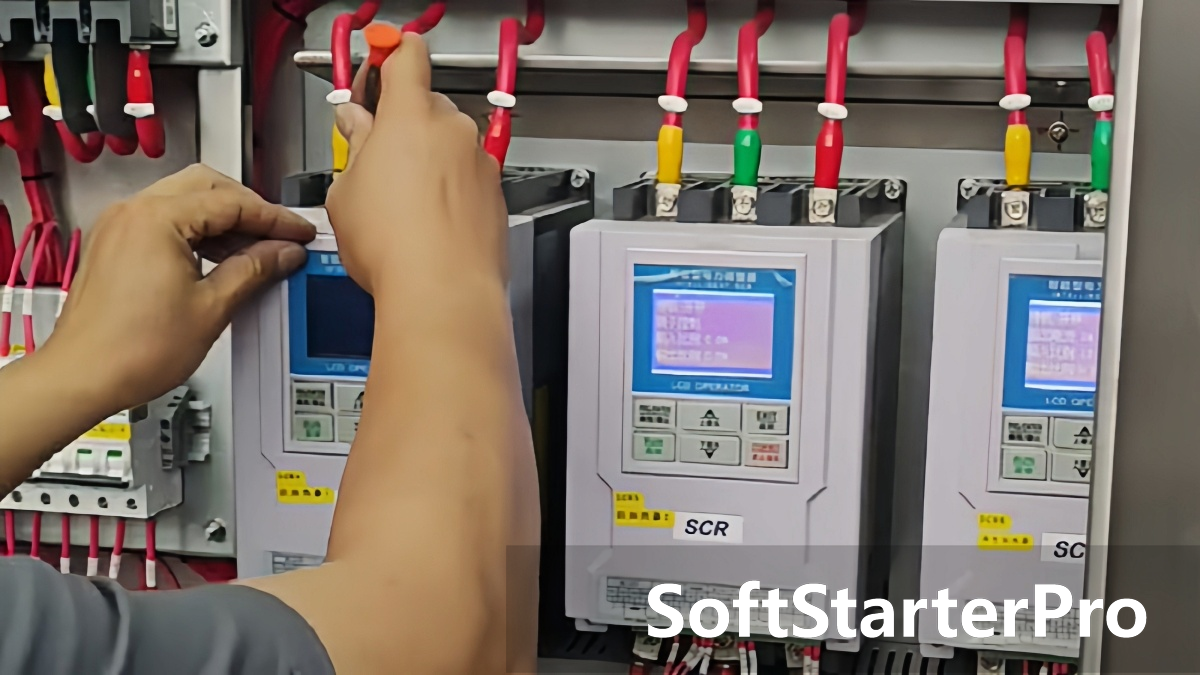

In industrial heating applications, a common issue occurs: the SCR power controller shows normal output with no alarms, but the heating speed is slow and the system cannot reach the target temperature.
Many users assume the controller is faulty and replace it unnecessarily. In most cases, the problem is not the SCR controller itself — it lies in the load, wiring, parameters, or heat loss conditions.
Root Cause 1: Heating Element Failure
This is the most common cause.
Even if output is normal, the heating element may not be converting power effectively. Possible issues include aging heating elements with increased resistance and reduced power output, partial wire breaks inside the heating tube, or reduced effective heating area.
The SCR controller cannot compensate for a weak or damaged heating load.
To check: measure resistance with a multimeter. A normal reading should be close to the rated value. An open circuit or significantly deviated reading indicates the element needs replacement.
Root Cause 2: Poor Electrical Connections
Loose or oxidized terminals can cause serious power loss before it reaches the load.
Common problems include loose terminal screws, oxidized or burnt contact points, and undersized power cables. These increase contact resistance, reduce actual heating power, and can cause phase imbalance in three-phase systems.
To check: tighten all terminals, clean any oxidation, and verify that cable size matches the load current requirement.
Root Cause 3: Incorrect Parameter Settings
The controller may be limiting output through current or voltage limits without triggering any alarm.
Check A13 (maximum output current limit) and A14 (maximum output voltage limit). If either is set below the required value, actual heating power will be reduced and the system will appear to be running normally.
For SoftStarterPro controllers: also check A09 (soft start time). An excessively long ramp time delays full power delivery and can be mistaken for slow heating performance.
To check: verify A13 and A14 are set to the required values. Reduce A09 if the soft start time is longer than the application requires.
Root Cause 4: Excessive Heat Loss
Even with correct power output, heating may still be slow if heat is escaping faster than it is being generated.
Possible causes include damaged insulation, strong ventilation or cooling airflow directed at the heating zone, or an open or poorly sealed heating chamber.
To check: inspect insulation condition, reduce unnecessary cooling airflow near the heating area, and improve thermal sealing where possible.
Troubleshooting Order
Follow this sequence for the fastest diagnosis:
- Heating element condition
- Electrical connections
- Controller parameters — A13, A14, A09
- Environmental heat loss
This order helps avoid unnecessary controller replacement.
Conclusion
If an SCR power controller shows normal output but heating is slow, the controller is usually not the problem. The real causes are typically a faulty heating element, poor electrical connections, incorrect parameter settings, or excessive heat loss.
Always check the load and system conditions before replacing the controller.
Browse our SCR Power Controllers or contact us for technical support.