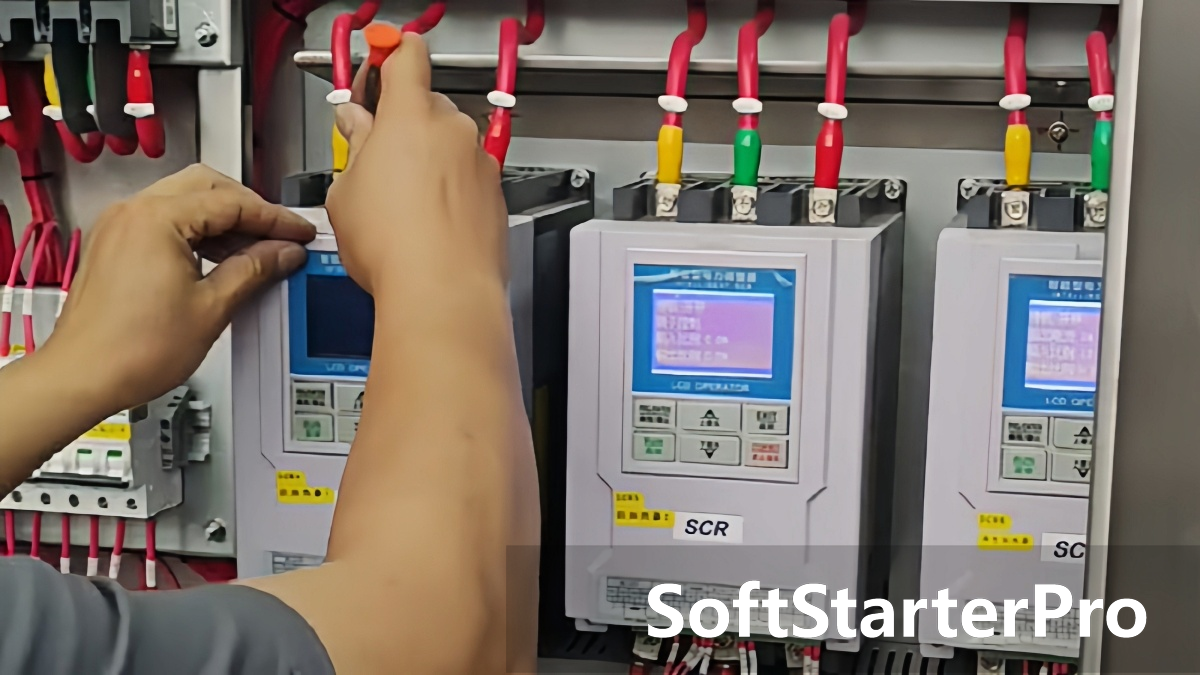

Loose wiring terminals in an SCR power controller are a common but critical issue in industrial applications. A loose terminal increases contact resistance, causes localized overheating, and — if left unaddressed — can lead to equipment failure or fire.
This article covers the four main causes of terminal loosening and the prevention methods that address each one.
Root Cause 1: Improper Installation
Most terminal issues originate from incorrect installation practices.
Insufficient tightening torque is the most common mistake. Screws tightened by hand rather than with a torque tool rarely achieve consistent clamping force. M4 terminals typically require 1.5–2 N·m — below this, the connection will loosen under normal operating conditions.
Improper wire preparation is equally important. If the strip length is too long or too short, or if insulation is compressed instead of the conductor, the contact area is reduced from the start.
For stranded wire, always use ferrules. Without a ferrule, individual strands spread under clamping pressure, reducing contact area and creating hotspots over time.
Wire size must also match the terminal rating. A wire that is too large cannot seat properly; a wire that is too small creates an unstable connection.
Root Cause 2: Environmental Stress
Industrial environments accelerate terminal degradation in two main ways.
Thermal cycling is the most common environmental cause. Terminals operating at 60–80°C expand and contract with each heating and cooling cycle. Over time, this creates small gaps between the screw and conductor that gradually reduce clamping force.
High humidity and corrosive gases cause oxidation on terminal surfaces, increasing contact resistance and weakening thread engagement. Terminals in humid or chemically aggressive environments degrade significantly faster than those in clean, dry conditions.
Root Cause 3: Component Aging
Terminal components degrade over time regardless of installation quality.
Plastic terminal housings become brittle with age, losing the elasticity needed to maintain clamping force. Screw threads wear with repeated maintenance cycles, eventually losing their ability to hold proper torque. Metal contact surfaces deform or erode, reducing the effective contact area.
These effects are gradual and often invisible until a connection fails.
Root Cause 4: Vibration and Mechanical Shock
Mechanical forces are often overlooked but act as a continuous loosening influence on terminal screws.
Sources include nearby equipment such as compressors, pumps, and presses, cooling fans inside control panels, and vibration from transportation or handling. Even low-amplitude vibration causes micro-movement between wire and terminal over time, progressively reducing contact pressure.
How to Prevent Terminal Loosening
Proper Installation
Use a torque wrench and follow terminal specifications. Always use ferrules for stranded wire. Verify strip length before inserting conductors and confirm wire size matches the terminal rating.
Environmental Control
Avoid installing control panels in high-temperature or high-humidity areas. Ensure adequate ventilation or cooling inside the cabinet. Where possible, locate panels away from strong vibration sources.
Regular Maintenance
Inspect terminals regularly. Check for signs of overheating, oxidation, and loose screws. Retighten or replace damaged components before they cause a failure.
Conclusion
Terminal loosening in SCR power controllers is caused by improper installation, environmental stress, component aging, and mechanical vibration. Each cause is preventable with correct installation practices, environmental controls, and routine inspection.
A loose terminal is easy to overlook — but the consequences of ignoring it are not.
Browse our SCR Power Controllers or contact us for technical support.