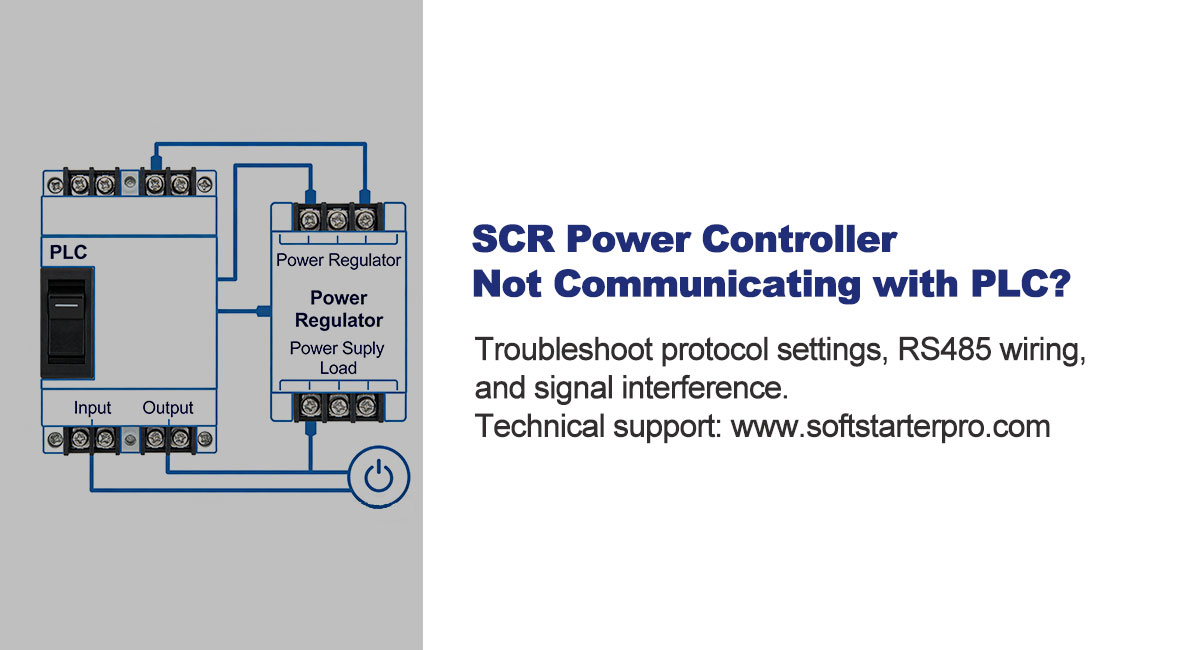
Why SCR-PLC Communication Fails
A common issue in industrial systems is when the SCR power controller is connected to a PLC but communication fails — no control signals are sent and no status data is returned.
In most cases this is not a complex fault. Around 90% of communication failures come down to three causes:
- Protocol mismatch — both devices cannot understand each other
- Wiring issue — broken or incorrect physical connection
- Signal interference — unstable communication signal
Work through the steps below in order. Start with protocol settings before touching any wiring.
Step 1: Check Communication Parameters
Protocol settings are the most critical factor. Communication only works when both the PLC and SCR controller are configured identically.
Verify the following parameters match on both devices:
| Parameter | Typical Value |
| Protocol | Modbus RTU (most common for SCR controllers) |
| Slave address | Must be unique, must match PLC configuration |
| Baud rate | 9600 or 19200 (confirm both sides are identical) |
| Data format | 8N1 (8 data bits, no parity, 1 stop bit) |
Any mismatch in these settings will cause complete communication failure, even if wiring is correct. Check parameters first before inspecting physical connections.
Step 2: Check RS485 Wiring
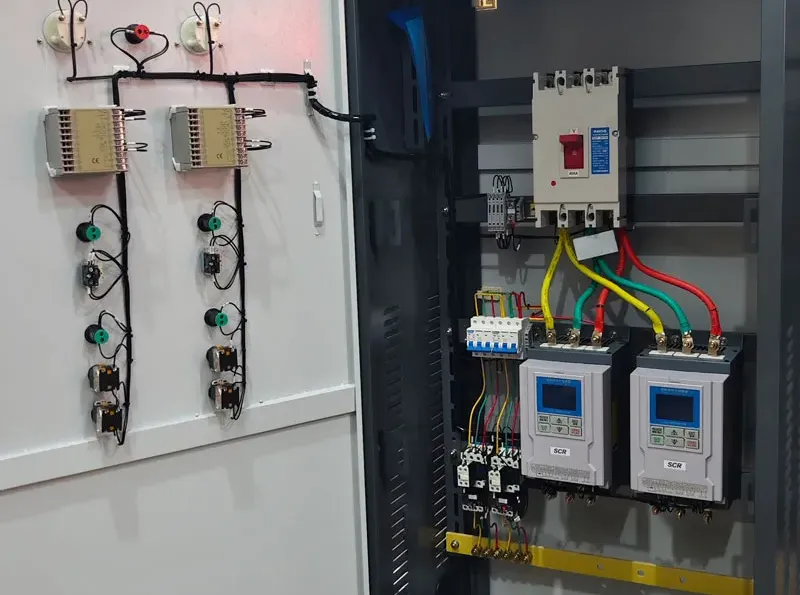
If parameters are correct and communication still fails, check the physical wiring.
Key points to verify:
- RS485 polarity: A connects to A (+), B connects to B (−).
Reversed polarity is a common mistake and causes complete communication failure.
- GND connection: connect GND between PLC and SCR controller
- Terminal tightness: loose or oxidized terminals break the signal
- Cable continuity: use a multimeter to confirm continuity on both A and B lines
A single loose terminal or reversed A/B connection is enough to prevent all communication.
Step 3: Check for Signal Interference
If communication is intermittent or unstable rather than completely absent, electromagnetic interference is likely the cause.
- Keep RS485 cables at least 30cm away from power cables
- Use shielded twisted-pair cable for RS485 wiring
- Ground the cable shield at one end only
- Add a 120Ω termination resistor at each end of the RS485 bus for cable runs longer than 100 meters
- Avoid routing communication cables near VFDs, welding equipment, or large contactors
Quick Diagnostic Test
To identify whether the fault is on the PLC side or the SCR controller side:
1. Disconnect the RS485 communication cable from the SCR controller
2. Short the A and B terminals together on the controller side
3. Send a test command from the PLC
Result interpretation:
- Communication timeout → fault is on the PLC or software side
- Abnormal data returned → fault is in the SCR controller communication circuit
This test takes less than two minutes and immediately narrows down which device needs attention.
Summary
| Cause | Check |
| Protocol mismatch | Verify baud rate, address, data format on both devices |
| RS485 wiring error | Check A/B polarity, GND, terminal tightness |
| Signal interference | Use shielded cable, add termination resistor, separate from power cables |
| PLC or software | Run quick diagnostic test above |
Follow the sequence Protocol → Wiring → Interference and most communication faults can be resolved without specialist tools.
Need Help with PLC Communication Setup?
If you need assistance with RS485 configuration or SCR controller integration, contact our technical team:
📞 WhatsApp: +86 18006697926
✉ Email: ann@softstarterpro.com
🌐 softstarterpro.com