Understanding the Fault
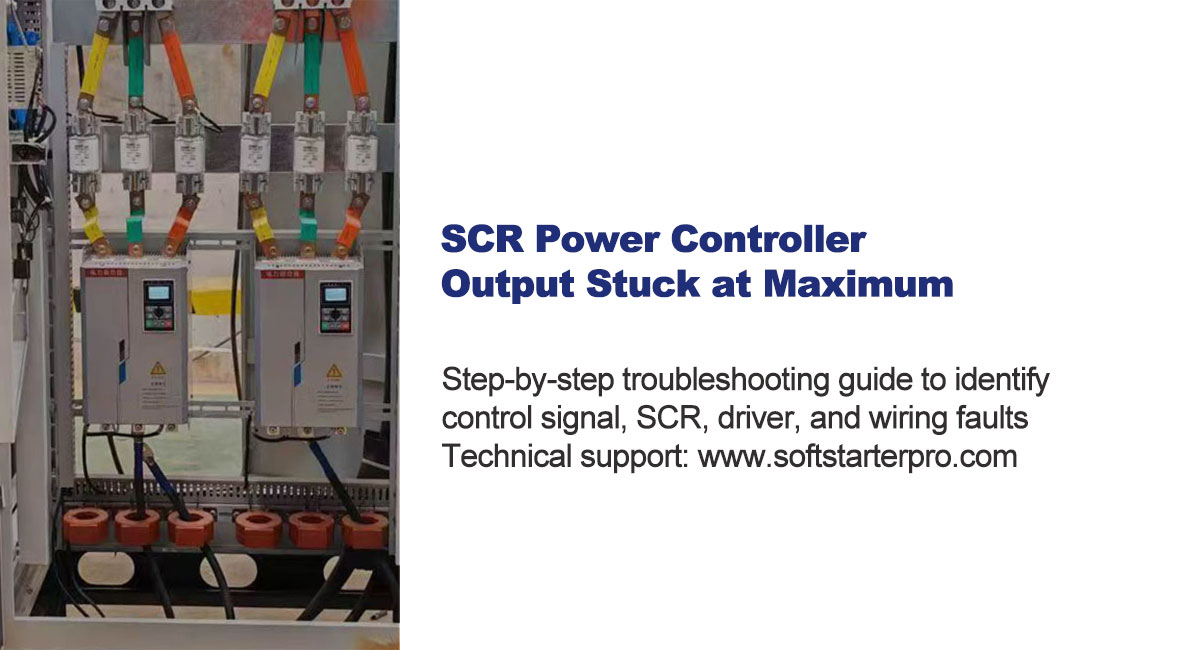
When an SCR power controller output remains at maximum voltage and cannot be adjusted, this is a typical output runaway fault. It can seriously affect process control accuracy and may damage equipment due to continuous overloading.
The fault has four possible root causes:
- Abnormal control signal forcing full output
- SCR (thyristor) short circuit
- Gate driver circuit failure
- Incorrect parameter settings or wiring errors
Work through the checks below in order. Each step narrows down the cause before moving to the next.
Step 1: Check the Control Signal
The SCR controller output depends directly on the input control signal. If the signal is abnormal, the output may stay at 100%.
Common causes:
- PLC or temperature controller output stuck at maximum
- 4–20mA signal stuck at 20mA
- 0–10V signal stuck at 10V
Quick test:
Disconnect the control signal and observe the output.
- Output returns to normal → fault is in the external control source, not inside the SCR controller
- Output remains at maximum → proceed to Step 2
Also check the operating mode. Some SCR controllers support manual and automatic modes. If the unit is locked in manual 100% output mode, external signals will have no effect. Confirm the device is in automatic mode before continuing.
Step 2: Inspect the SCR and Driver Circuit
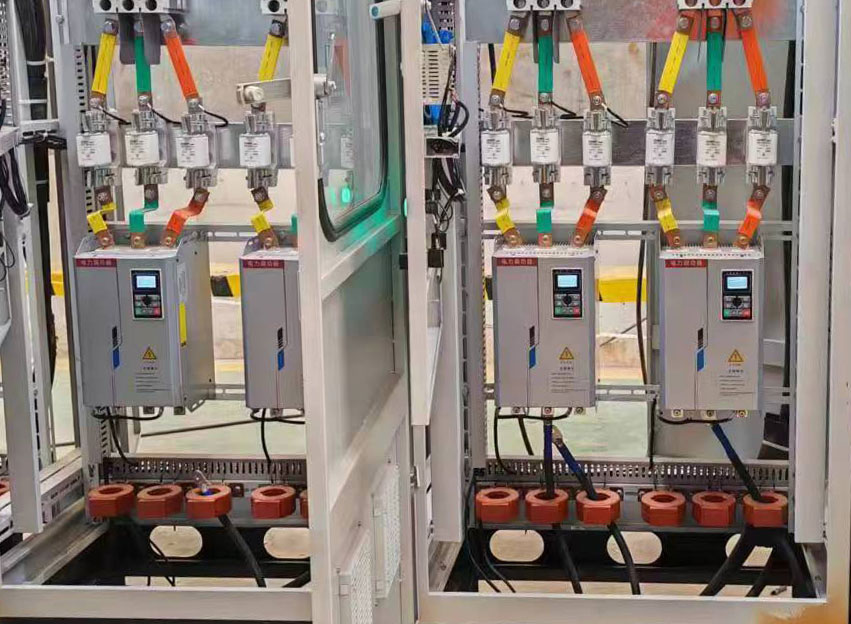
If disconnecting the control signal does not change the output, the power stage is likely damaged.
SCR Short Circuit
The SCR may be permanently conductive due to overcurrent, overvoltage, load short circuit, or surge damage. A shorted SCR behaves like a direct connection — always full output regardless
of the control signal.
Test method (power off first):
Measure resistance between SCR anode and cathode terminals.
- Normal: high resistance (open circuit)
- Fault: near 0Ω (short circuit) → SCR needs replacement
Gate Driver Circuit Failure
The driver board controls SCR triggering. If damaged, the SCR may receive continuous trigger signals and become uncontrollable.
Signs of driver failure:
- Burn marks on PCB
- Abnormal heating on the control board
- Capacitor bulging or electrolyte leakage
Replacing the SCR alone will not fix the problem if the driver circuit is damaged — both need to be addressed.
Step 3: Check Parameter Settings and Wiring
Output Limit Parameter
If the maximum output limit is incorrectly set or locked at 100%, the system cannot reduce output regardless of the control signal.
Check the output limit parameter in the controller settings before replacing any hardware.
Bypass Wiring Error
Some systems include bypass wiring for emergency operation. If miswired, the load may connect directly to the power supply,
bypassing the SCR controller completely. In this case the SCR has no control over the output at all.
Verify that the load is connected through the SCR output terminals, not directly to the bypass.
Additional Diagnostic Checks
- Test without load: disconnect the load and check if output still stays at maximum. This distinguishes between a load short circuit and a controller fault.
- Check fault indicators: review LED fault codes or error displays on the controller.
- Look for physical signs: unusual heat, burning smell, or audible noise from the power stage.
Summary: Common Causes at a Glance
| Symptom | Most Likely Cause |
| Output drops when signal removed | External control source fault |
| Output unchanged after disconnect | SCR short circuit or driver failure |
| Output uncontrollable after reset | Parameter lock or wiring bypass error |
| Burn marks or abnormal heat | Driver circuit or SCR damaged |
A structured step-by-step check can quickly locate the root cause
and prevent further equipment damage.
Need Technical Support?
If you are unable to identify the fault or need replacement components, contact our technical team:
📞 WhatsApp: +86 18006697926
✉ Email: ann@softstarterpro.com
🌐 softstarterpro.com